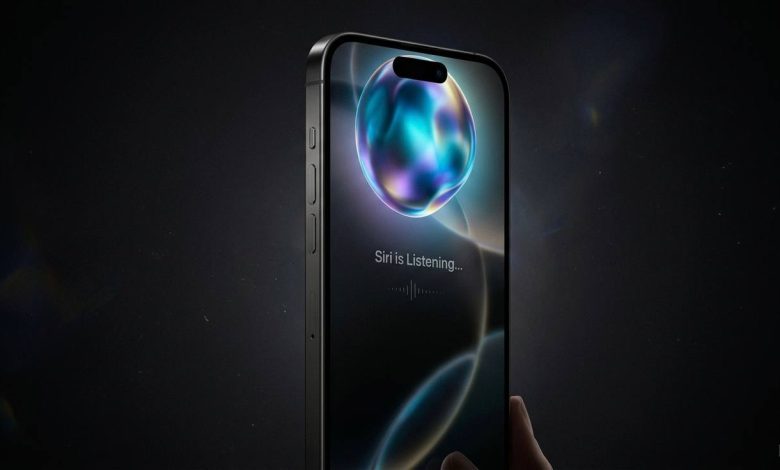
The Reality of Apple Intelligence: Siri’s Leap and the Hardware Catch
Apple has concluded one of the most high-stakes WWDC events in its history, marking Tim Cook’s final keynote address before stepping down as CEO. This pivotal event arrived under intense scrutiny following two years of aggressive marketing promises surrounding Apple’s AI capabilities, compounded by a recent $250 million lawsuit for underdelivering on those commitments. The core objective of this keynote was clear: Apple had to prove that its newly rebranded Apple Intelligence and next-generation Siri AI were functional realities rather than vaporware. While the visual language of these updates is undeniably polished, key questions regarding real-world functionality remain, alongside several software choices that register as fundamentally tonedeaf.
System-Wide Optimizations and Visual Refinements
Given the immense commercial pressure surrounding this event, it was distinctly amusing to see Apple open the keynote by highlighting the corner radiuses of macOS windows, which now feature uniform, tighter corners across the board. Beyond minor aesthetic tweaks, this year’s software update focuses heavily on deep system-level optimizations. Apple appears to have recognized that the default transparency settings of their liquid-glass design language were slightly too high, impairing legibility. Rather than enforcing a single arbitrary fix, they introduced a dedicated slider, granting users full manual control over visual transparency depth.
Measurable Back-End Performance Gains
This update represents a concerted effort by Apple to address back-end performance—a necessary optimization cycle that often yields the most impactful real-world improvements. According to Apple’s provided benchmarks, core operations across the ecosystem will see noticeable acceleration. iPhone applications are slated to load up to 30% faster, while post-capture photo rendering in the gallery is accelerated by up to 70%. Furthermore, AirDrop speeds see an improvement of up to 80%. Thanks to superior system-wide file indexing, searching for local files is also significantly quicker. While these “up to” performance metrics rarely feel as radically transformative in daily use as marketing presentations suggest, the baseline speed increases are highly welcome.
Expanded Child Protection Overhauls
Prior to the major AI reveals, Apple introduced a surprise suite of granular child protection features. I observed that the system gives parents total oversight over their children’s digital interactions by issuing real-time permission alerts. Parents must actively approve new app downloads, first-time website visits, and new communication contacts. This functionality serves as a double-edged sword; it provides robust safety guardrails against unauthorized contacts but risks digital overstimulation for parents. Culturally, it allows parents to introduce a highly restricted selection of apps for younger children and progressively unlock access over time, or restrict entertainment apps entirely during school hours. Whether this response is driven by impending regulatory compliance or an attempt to cement ecosystem lock-in early in a child’s life, these tools are increasingly necessary given the capabilities of modern open tech.
The New Siri AI: Deep Integration and Gemini Foundations
Apple directly acknowledged past shortcomings during the presentation, stating they understand users expect more from their virtual assistant. This acknowledgment follows the half-baked 2024 Siri release, where an incomplete feature set tied to a marketing campaign resulted in class-action liabilities requiring Apple to pay up to $95 to affected iPhone purchasers. The newly unveiled Siri AI marks a massive generational leap. Visually, the interface trades the old design for a subtler, liquid-glass aesthetic that integrates seamlessly into the Dynamic Island. While the look is premium, it arguably loses some distinct personality in the process.
Core Capabilities and System Awareness
In terms of raw processing capability, Siri AI does not pioneer entirely new ground. Apple’s widely reported $1 billion annual agreement to leverage Google’s Gemini as its underlying foundation means that Siri’s core functionalities mirror what Gemini users have experienced for some time. However, this integration provides a monumental upgrade for the Apple ecosystem. Keynote demonstrations highlighted continuous contextual conversations, allowing users to ask about a band’s performance schedule and seamlessly follow up about ticket purchases. Siri now possesses full screen awareness, enabling commands like “where is this exactly” while viewing a photo without requiring manual context. Deep personal context mapping allows Siri to securely scan past messages, photos, and newly indexed files to retrieve precise data at relevant moments. It is worth noting that these orchestrated keynote demonstrations were highly controlled, meaning real-world reliability may vary from these curated scenarios.
Interface Optimization and Shortcut Automation
The true triumph of Siri AI lies in its physical implementation and user experience. Apple has introduced granular controls allowing users to adjust the pace and expressivity of Siri’s voice to match personal preferences. The visual assets blend naturally into the physical camera cutout of the iPhone hardware, representing one of the most fluidly integrated assistant interfaces on the market. By delegating foundational AI heavy lifting to Google, Apple focused heavily on structural intuition. Users can pull down from the top of the display to activate Siri, and pull down a second time to enter a dedicated full-screen Siri application that syncs chat histories across all connected Apple devices.
The most significant functional highlight is the natural-language overhaul of Apple Shortcuts. Users can now build intricate automations simply by describing them verbally—such as commanding the phone to automatically text a partner a real-time ETA via maps whenever leaving work. By removing the traditional clunkiness of manual shortcut building, Apple has successfully converted a power-user feature utilized by roughly 10% of owners into an accessible tool for everyday consumers.
Visual Intelligence and Cross-Platform Execution
Apple has also upgraded its visual intelligence capabilities, fully embedding them into the native camera application. The feature supports context-aware actions, such as scanning a plate of food for immediate nutritional analysis, or scanning a restaurant bill to automatically calculate individual totals and dispatch payment requests through Apple Cash. Every scan is archived directly within the Siri application for future reference. Despite the clever integration, real-world utility remains entirely dependent on absolute accuracy. For critical tasks—such as translating ingredient labels to avoid severe food allergies—the prettier animations of Apple’s interface cannot displace the proven reliability of established tools like Google Lens.
The Cross-Platform Ecosystem Footprint
This updated Siri AI framework extends across Apple’s entire hardware portfolio. On the Apple Watch, it provides a highly efficient, rapid access point. Within the Vision Pro headset, Siri manifests as a floating 3D orb capable of parsing open Safari tabs, active application windows, and physical objects within the user’s actual room simultaneously. Conversely, the macOS integration feels like the least impactful implementation. While Apple demonstrated Spotlight search integrations, file comparison queries, and automated calendar scheduling from highlighted text or images, the Mac platform already offers access to superior, bleeding-edge productivity tools. On desktop, Siri AI feels like it is merely catching up to the competition rather than leading it.
Apple Intelligence: Predictive Workflows and the Soulless Slide
The next generation of Apple Intelligence introduces a mixture of genuine productivity breakthroughs and highly questionable creative features. In Safari, the AI can automatically group open tabs into topics based on content analysis, though this layout risks becoming just as cluttered as traditional tab management. More impressively, Safari can now build browser extensions from scratch based on a user’s written description, such as a specialized recipe-saving tool. Security updates allow the iPhone to automatically upgrade weak passwords by autonomously logging into third-party sites, generating secure credentials, and executing the change behind the scenes—a powerful feature that heavily deepens ecosystem lock-in.
Read More: I Tested India’s “Sovereign” Smartphone. What I Found Inside Is a Supply Chain Nightmare
Predictive features closely mimic Google’s predictive workflows. The system can surface relevant trip photos during a text conversation, extract dinner reservation details from emails to create calendar events, and retrieve airline confirmation codes from the Mail app during active phone calls. Additionally, the Apple Home app leverages this intelligence to parse compatible security camera feeds, summarizing key events and organizing footage into distinct, chronological segments a feature that provides massive time-saving utility.
Core Language Upgrades vs. AI Creative Content
The most valuable improvement across the board is a massive boost to spelling, punctuation, and dictation accuracy. Ensuring that typed or spoken inputs are flawless is infinitely more practical than relying on AI to draft messages entirely, preserving the user’s authentic voice while eliminating errors. This foundational accuracy directly improves Siri comprehension, reminder accuracy, and hands-free CarPlay messaging.
In stark contrast, updates to the Image Playground platform highlight the more uncomfortable aspects of Apple’s AI strategy. The image generation engine creates higher-quality rendering of what amounts to digital slop. Apple demonstrated a feature where a contact’s face can be mapped onto an automated event invitation, resulting in a distinctly horrifying, soulless aesthetic that feels uncharacteristic of Apple’s historically deliberate design standards. Lock screen wallpapers and contact posters generated by Apple Intelligence retain a creepy, mid-tier AI appearance that misses true photorealism.
While the upgraded Photo Cleanup tool effectively removes photobombers rectifying a feature that has been highly unreliable for the past two years other photographic manipulations miss the mark. The frame extension tool uses AI to fill in artificial backgrounds, while spatial reframing allows users to digitally shift the camera angle of an existing photo. While technically impressive, altering authentic photographs of real children simply to achieve a cleaner aesthetic feels conceptually sterile and artificial.
The Verdict: A Pragmatic Leap and the Fine Print
Ultimately, Apple’s AI suite has successfully advanced from lagging behind the industry to becoming thoroughly competitive. It may not lead the industry in raw innovation, but for users wholly embedded within the Apple ecosystem, it represents a substantial upgrade to the daily software experience. To optimize this experience, I recently audited my personal device to eliminate unnecessary apps, notifications, and public data footprints from data brokers, which effectively mitigates spam and scam calls. However, this software rollout is accompanied by strict operational caveats.
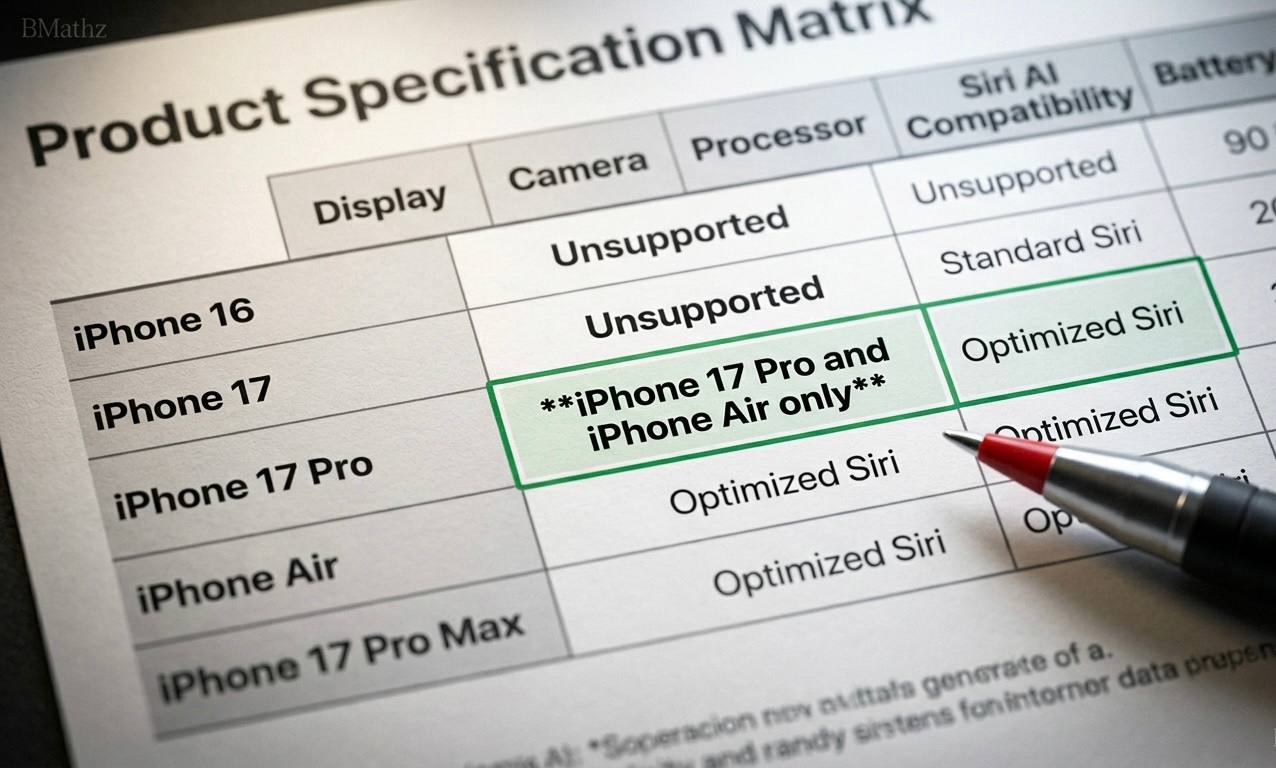
While backwards compatibility extends as far back as the iPhone 11 under the upcoming software cycle, the fully realized version of Siri AI is strictly restricted to top-tier hardware. On mobile, this requires either the upcoming iPhone Air or the iPhone 17 Pro models; the standard base iPhone 17 is excluded from these core processing updates. iPad and Mac users face slightly more forgiving hardware requirements, though limitations remain tight. Furthermore, Apple obscured critical details regarding monetization and usage limits. Powerful server-side AI processing, including advanced image generation, features daily caps for standard accounts. Unrestricted access to these premier tools is gated behind paid iCloud Plus subscription tiers a critical piece of consumer friction that Apple relegated to a minor footnote rather than addressing transparently.



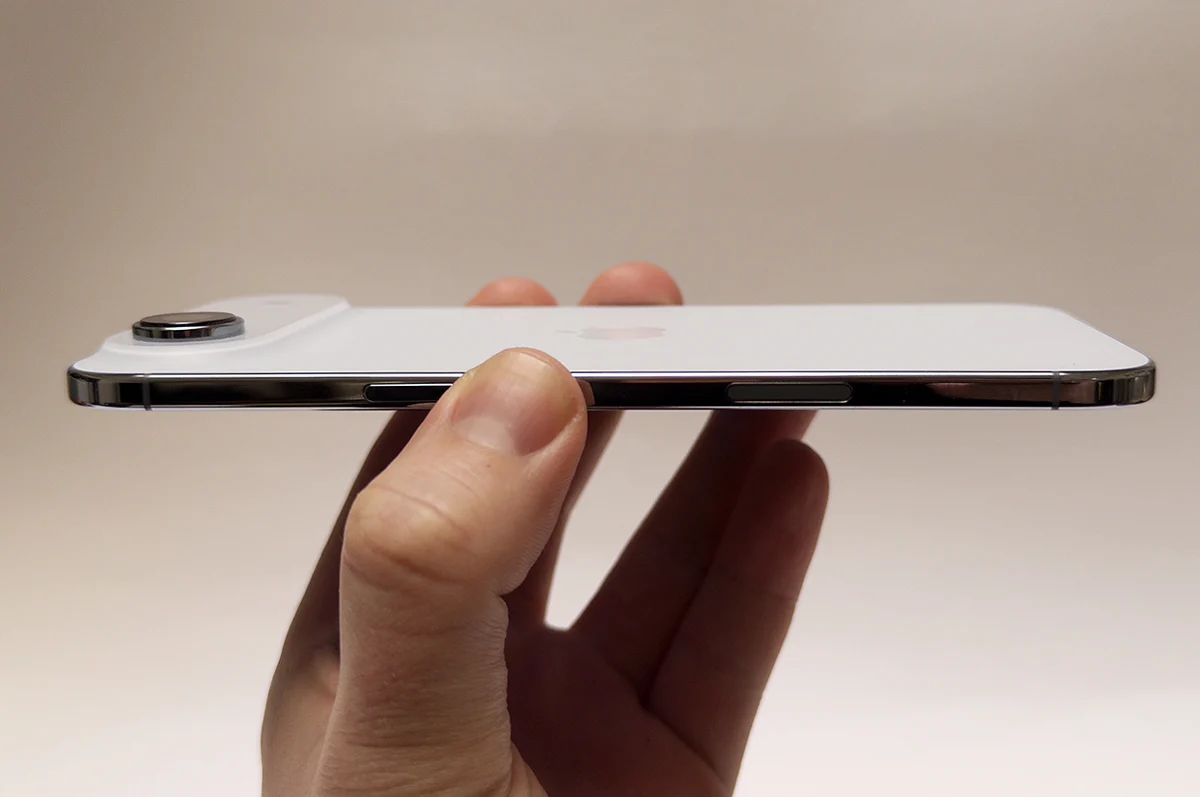
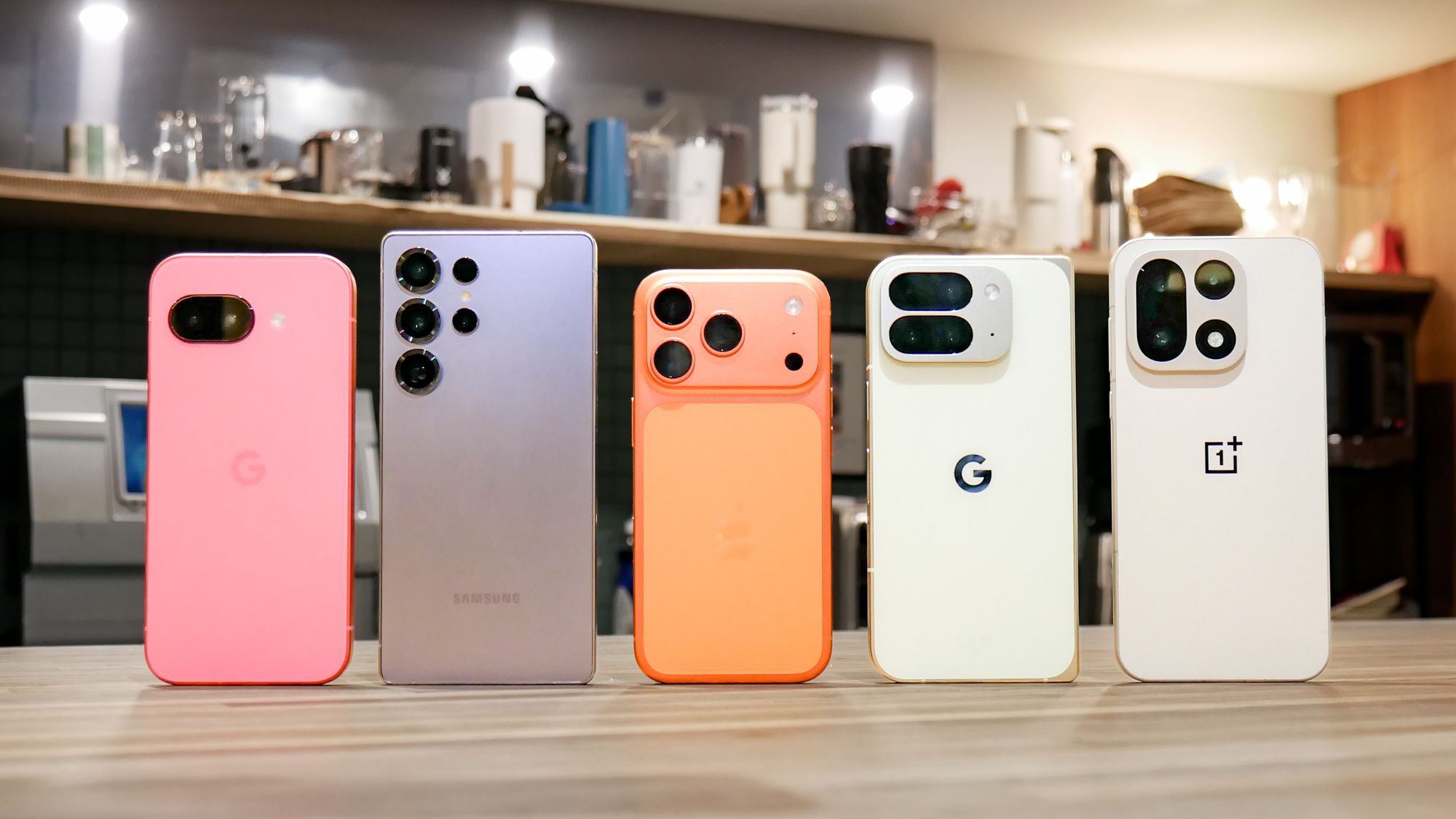
Siri has come a long way, but it’s funny how hardware can still hold it back. Do you think they’ll ever get it right?
yeah it depends