Apple Intelligence WWDC 2026 Hardware Requirements: What Nobody Mentions About the 12GB RAM Divide

Apple Intelligence WWDC 2026 Hardware Requirements: What Nobody Mentions About the 12GB RAM Divide
Apple’s Worldwide Developer Conference (WWDC) 2026 marked a distinct shift in tactical execution. While previous years focused heavily on dramatic visual overhauls and sweeping aesthetic changes, this keynote quickened its pace through foundational operating system updates to prioritize two core pillars: trust and safety for children, and the integration of Apple Intelligence alongside an evolved Siri ecosystem. Testing the announcements reveals an ecosystem leaning into iterative, structural stability rather than flashy, unvetted feature drops.
Under the Hood: iOS 27, Liquid Glass, and Ecosystem Refinement
Across iOS 27, iPad OS 27, Watch OS, tvOS, and macOS officially named Golden Gate the visual architecture remains largely familiar, yet the underlying performance has received significant optimization. Recent software cycles burdened by aggressive visual features occasionally introduced interface lag, readability degradation, and erratic battery performance. Apple’s response in these upcoming releases is a concerted effort toward system optimization: app launching is faster, system animations feel significantly more fluid, and Spotlight indexing has been thoroughly overhauled for comprehensive local searches.
Furthermore, AirDrop receives a claimed 80% speed increase. Provided this translates to greater connection consistency in real-world environments, it addresses a long-standing user bottleneck.
On the interface side, Apple introduced subtle refinements, including tweaked app icons, matching corner radiuses, and the return of color to sidebar icons. The system’s controversial “liquid glass” design language now includes a dedicated transparency and tint slider. While absolute clarity was not a highly requested feature, users now possess granular control over the depth of the interface’s glass effects.
Other notable ecosystem updates include:
-
Apple Vision Pro: Users can finally utilize personally captured panoramic photos as immersive system environments, moving beyond the stock catalog of Yosemite, Mars, and Mount Hood.
-
AirPods: Apple has introduced a native, custom EQ engine, bringing a standard industry feature to the world’s most popular earbuds.
The Child Safety Expansion and Ecosystem Continuity
The midsection of the keynote focused entirely on trust and safety metrics for younger users. Apple detailed an extensive suite of child safety features anchored by dedicated child accounts. Through this system, parent profiles maintain granular oversight over application downloads, website access, and communication permissions.
Updated Screen Time tools introduce an analytics dashboard to track daily device usage. Parents can implement scheduling rules to dynamically restrict or allow specific application categories based on the time of day ensuring entertainment apps remain accessible during weekends while restricting social media platforms like Instagram during school hours.
The BMathz Take: While the immediate benefit delivers robust, highly requested safety utilities for families, the long-term strategic angle is undeniable. By positioning the iPhone as the definitive, safest hardware option for children, Apple creates an early onboarding pipeline, cementing ecosystem reliance well into adulthood.
Siri and Apple Intelligence: The Guardrail Approach to AI
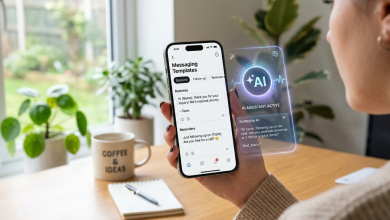
The centerpiece of WWDC 2026 was the official rollout of Apple Intelligence and the rebuilt Siri framework. In practice, Siri’s capabilities align directly with reasonable expectations offering a highly competent, local utility without attempting the unpredictable, agentic leaps showcased by competing models.
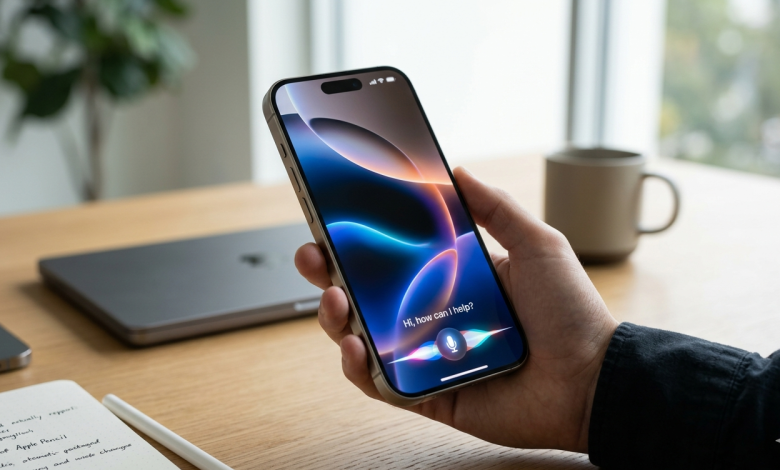
The interface can be invoked by swiping down from the Dynamic Island or holding the power button. Siri features an updated, expressive voice profile and a new activation animation, transitioning queries into a conversational chat interface. This model pulls answers from an expansive world knowledge base, complete with clickable source citations. These conversational histories are synchronized across Mac, iPad, and iPhone hardware via a dedicated Siri application, which selectively archives notable interactions for future reference.
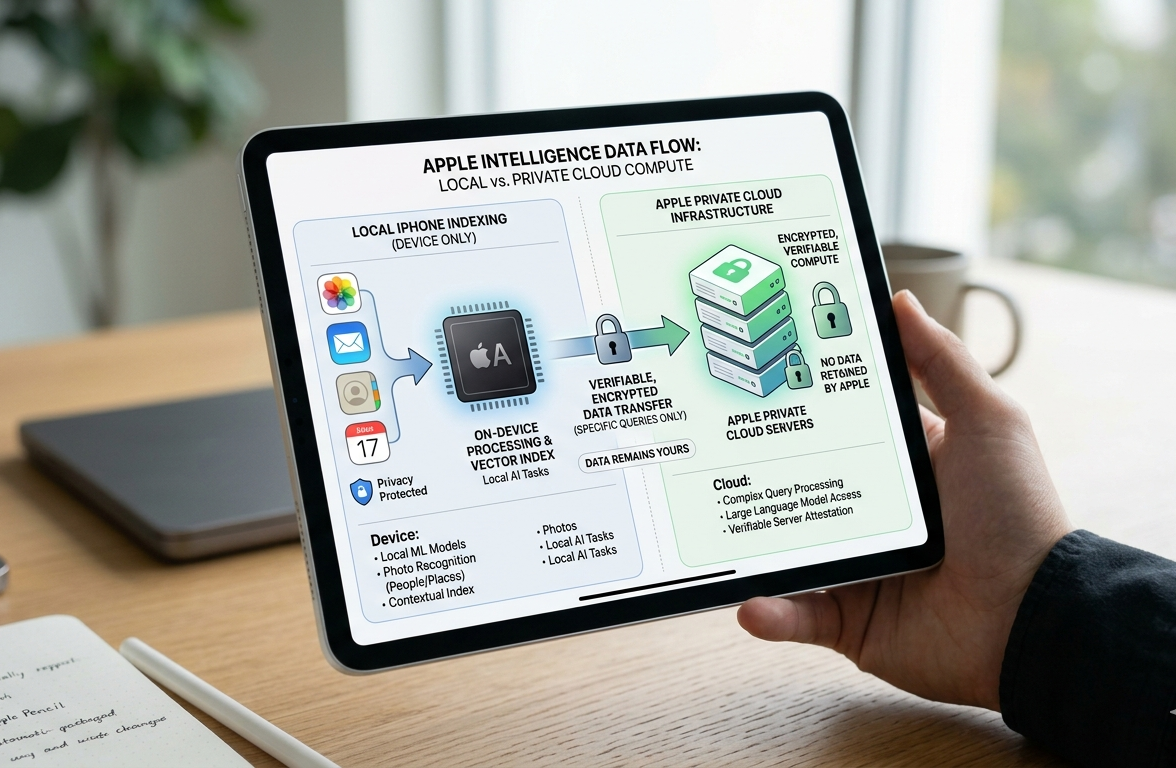
Unlike stand-alone models such as ChatGPT, Google Gemini, or Claude, Apple’s distinct advantage lies in deep, local on-device indexing. While third-party models excel at broad creative synthesis, they cannot natively parse private on-device data. Siri can securely scan text messages, photos, and calendar events to answer personal questions or execute basic intra-app actions like scheduling reminders and sending messages.
This bounded approach deliberately avoids the highly automated, agentic workflows demonstrated at Google such as an AI independently purchasing concert tickets from an image of a poster. Apple chooses instead to drop the event safely into the calendar, prioritizing accuracy and privacy over expansive autonomy.
Screen Awareness and Third-Party Integration
Siri now evaluates on-screen context natively. This logic extends to a dedicated camera mode embedded directly within the native Camera app, surfacing updated visual intelligence tools for real-world object identification. Structurally, this implementation appears highly optimized for potential future hardware form factors, such as smart glasses.
Integration with third-party software relies entirely on developer adoption of App Intents. If a developer registers their application’s intent and category within the App Store, Siri can target it upon explicit user request. By default, asking Siri to locate and play a recommended podcast will route the action through iMessage and Apple Podcasts. However, users can append explicit commands such as specifying Spotify or Pocket Casts and Siri will execute the workflow within that third-party environment. The extent of this flexibility, particularly regarding geo-fenced tasks in third-party productivity tools like TickTick or group chat parsing within WhatsApp, remains a focus for upcoming real-world testing.
Hardware Limitations and Expanded Features
The hardware compatibility matrix for these advanced capabilities presents an immediate bottleneck for existing users.
| Supported Devices for Advanced Siri Models | Required Memory Configuration |
| iPhone Air | 12GB RAM |
| iPhone 17 Pro | 12GB RAM |
Because the most advanced on-device models demand a baseline of 12GB of RAM, older devices are excluded from the full suite. Despite being marketed as built for Apple Intelligence, standard iPhone 16 models will only receive the updated Siri voice profile and improved dictation features, utilizing scaled-down processing capabilities.
Vision Pro, Safari, and Automation Utilities
On the Vision Pro headset, Siri manifests as a floating visual orb that leverages eye-tracking technology; focusing visual attention on the orb activates voice recognition. This allows users to query Siri directly about active application windows or physical objects in their immediate environment, a functionality reminiscent of Samsung’s Circle to Search concepts on XR platforms.
Additional Apple Intelligence tools span across productivity applications:
-
Safari Tab Management: The browser can analyze massive tab pools and automatically generate topic-based tab groups, maintaining order autonomously.
-
Natural Language Extensions: Users can describe a desired Safari extension or a complex Siri Shortcut in plain text, and the system will programmatically generate the script, leaving the full-featured editor open for manual adjustments.
-
Apple Home: The smart home platform introduces notification consolidation, summarizing consecutive alerts into a single, dynamically updating notification block. Users can also search security camera footage using natural language descriptions, such as locating a specific package delivery clip.
Advanced Photo Manipulation and the New Passwords App
Apple’s updated photo editing suite pushes deeper into generative manipulation. Beyond standard object removal, the software features a canvas extension tool capable of expanding image boundaries outward by up to 25% across all axes.
More advanced still is spatial reframing, which calculates depth data to completely rotate the perspective of a flat image, programmatically rendering a new background based on estimated spatial geometry. This processing relies on Apple’s heavy cloud compute models, and daily usage limits apply; expanding these limits requires a paid upgrade to an elevated iCloud subscription tier.
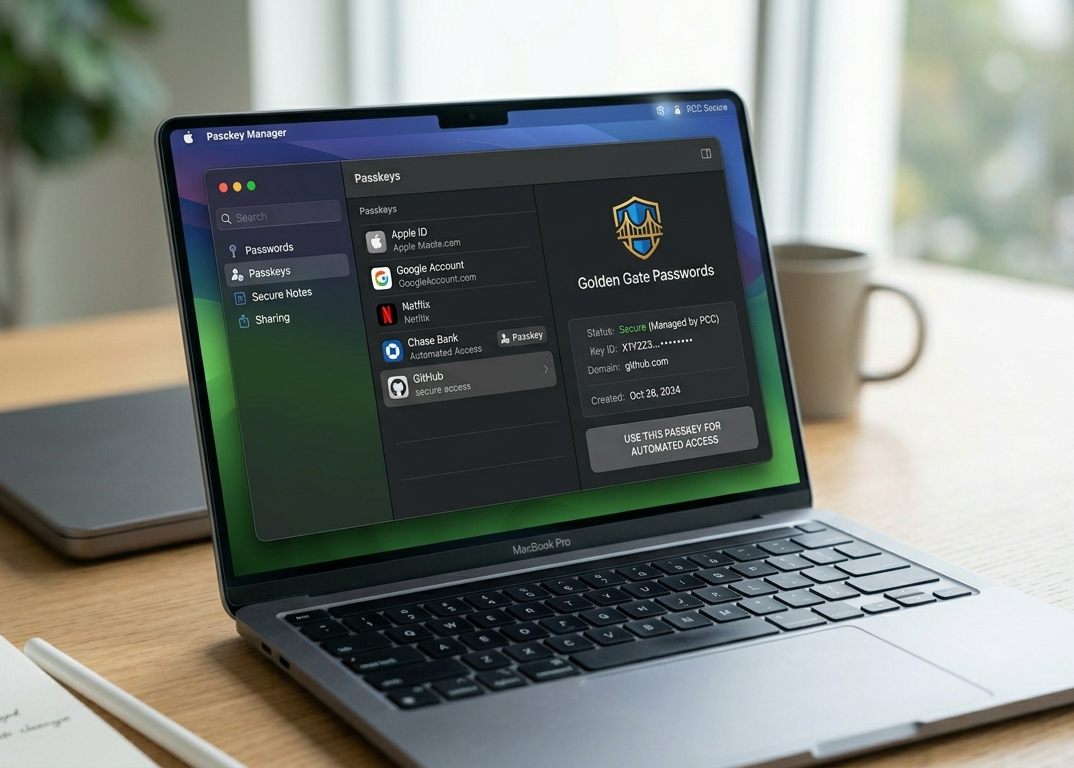
The utility ecosystem also sees the launch of a standalone Passwords application. Beyond identifying weak or compromised credentials, the application can act agentically: it can autonomously navigate to a verified website, log in using the legacy weak password, execute the necessary site menus to generate a secure alternative, and store the updated credential without user intervention.
Conclusion: Inside the Golden Gate
The naming convention of macOS Golden Gate serves as an apt metaphor for the current state of Apple’s ecosystem. When the boundaries of a closed system are refined to this degree, the user experience within those walls becomes remarkably cohesive. For users deeply integrated into iMessage, Apple Calendar, and Safari, the efficiency gains are undeniable.
Read More: The Reality of Apple Intelligence: Siri’s Leap and the Hardware Catch
Conspicuously absent from the presentation was any mention of the HomePod ecosystem, which received no updates during the event. However, a developer slide tucked into the final minutes of the keynote revealed new tools designed to help applications scale dynamically across unconventional aspect ratios a clear, unacknowledged nod toward an impending foldable hardware architecture.
As the developer betas roll out, further testing will determine exactly how these guardrailed AI features perform under sustained, real-world workloads.