The Reality of Gemini Intelligence: The Massive Android 17 Upgrade You Might Not Get

The Reality of Gemini Intelligence: The Massive Android 17 Upgrade You Might Not Get
Google’s latest keynote has introduced what is arguably the single largest shakeup to the smartphone landscape in the last five years. Rather than minor incremental updates, the company unveiled a deeply integrated AI layer called Gemini Intelligence, alongside Android 17, a major overhaul for Android Auto, and an entirely new hardware category known as the Google Book. Together, these developments mark a significant shift in mobile software capability, making competing platforms like Apple’s current ecosystem look surprisingly stagnant by comparison.
Gemini Intelligence: The Move Toward Autonomous Mobile Agents
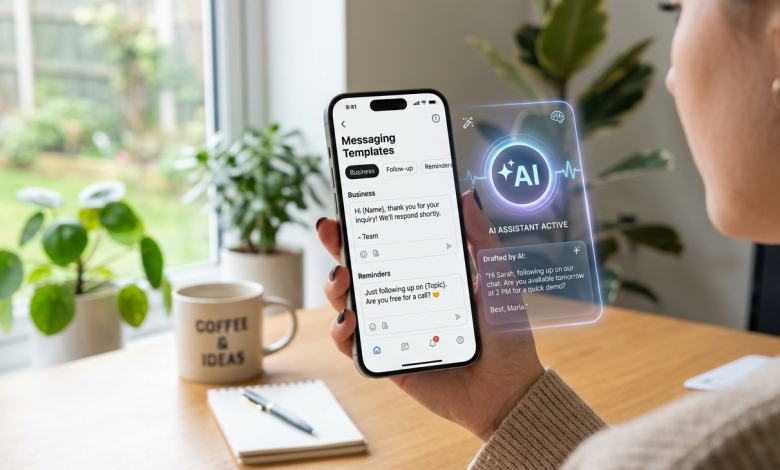
The core of Google’s software shift lies in Gemini Intelligence, which introduces five distinct capabilities focused on eliminating tedious smartphone administration. The first of these features is Rambler, a smart tool built directly into the voice dictation system. For those of us who constantly ramble or verbalize an inner monologue while dictating messages, Rambler intelligently parses the audio to extract the true intended meaning. If a user dictates a complicated, back-and-forth train of thought, the software accurately cleans up the phrasing, formats lists automatically when items are described, and can even translate the finalized message into other languages like Hindi instantly.
Another pervasive smartphone pain point addressed in this update is the unreliability of standard autofill. While current autofill relies strictly on rigid website coding frequently failing on poorly designed sites Gemini Intelligence taps into a secure, localized personal intelligence pocket. Because the AI actively reads and comprehends the context of the on-screen form just as a human would, it can successfully populate complex documents, including obscure data points like passport details, with a significantly higher success rate.
Standard Autofill  --> Interprets underlying site code --> Fails on poor design
Gemini Intelligent --> Reads & understands context   --> High success rate
The update also brings custom widget generation through simple natural language prompts, allowing users to build hyper-specific on-screen tools. During the demonstration, Google showcased a personalized marathon countdown widget, though the practical applications extend much further, such as generating a dynamic local activity tracker based on real-time GPS coordinates. Similarly, new app automations allow Gemini to act as a background agent. I observed a demonstration where a user took a photograph of a tour flyer and instructed Gemini to find a similar excursion that could accommodate six people. The AI processed the request in the background, interacted directly with third-party applications like Expedia, and delivered a final notification leading straight to the checkout page.
While this automated booking capability looks seamless, I would personally hesitate to rely on it entirely for leisure planning. When organizing activities for a large group, checking reviews, hotel proximity, and personal preferences manually remains highly valuable. However, this agent-style automation becomes incredibly practical when dealing with screen context. For instance, if you are looking at an image for a standup comedy night, you can simply tell Gemini to sort your parking logistics. The AI reads the screen data, opens the necessary application, and inputs the information sequentially without manual intervention.
Real-World Test Case: I recently created a daily supplement schedule on my phone. Under this new system, I could simply hold the power button while viewing that schedule and command Gemini to instantly convert it into a structured sequence of daily reminders.
Similarly, you can activate the assistant over a digital shopping list and command it to populate an online shopping cart entirely, leaving you with only the final checkout button to press. The system can also instantly convert a long-form article into a summarized infographic, though my testing showed the visual results still look somewhat basic, reminiscent of earlier generative AI design styles.
The Availability Caveat
The primary drawback to Gemini Intelligence is its restricted rollout timeline and strict hardware requirements. Google confirmed that these features will not arrive simultaneously; instead, they will begin rolling out in staggered phases. More importantly, the feature set is initially limited to flagship devices from Samsung and Google. This limitation stems from the platform’s reliance on an advanced, on-device version of the Gemini Nano model. Consequently, everyday consumers using mid-range or older hardware may have to wait a year or more to see these updates manifest on their devices.
Android 17 Focuses on Creators and Digital Well-Being
While Gemini Intelligence is gatekept by hardware, the broader Android 17 update brings substantial upgrades to all users, particularly in mobile video production. Google has integrated a native screen-reaction recording tool that captures the device display and the front-facing camera simultaneously. The software automatically handles real-time background removal and keeps the user perfectly positioned in the frame, streamlining the creation of reaction content. To further capture the creator market a segment historically dominated by the iPhone Adobe Premiere will officially launch on Android with specialized templates optimized for YouTube Shorts.

This strategic focus on multimedia performance extends directly to third-party social applications like Instagram. Historically, capturing and uploading content natively within Instagram on Android resulted in significant quality degradation compared to iOS. Android 17 directly addresses this by rebuilding the capture-to-upload pipeline for premium devices. Content shot directly inside the Instagram app will now retain ultra-high dynamic range (HDR) processing, native night mode capabilities, and built-in hardware stabilization.
Traditional Android Upload  --> High compression --> Noticeable quality loss
Android 17 Optimized Pipeline --> Native HDR & Night Mode --> Full resolution retention
Furthermore, Android 17 allows third-party apps to leverage native system AI. Within Instagram’s built-in editor, users can access a one-tap image and video enhancer, though it remains to be seen if this genuinely upgrades resolution or merely artificially boosts brightness and sharpness. More impressively, the platform’s native audio eraser tool which isolates and reduces background noises like wind is now accessible inside Instagram, allowing creators to split a video’s audio track into completely individual, editable stems.
Replicating proven utility
Beyond multimedia, Android 17 introduces total redesigns for all 4,000 native emojis, transforming them into 3D assets. However, the most practical additions are features clearly inspired by successful independent applications. A prime example is Pause Point, a digital well-being utility that functions identically to popular third-party focus apps.
When a user attempts to open a designated distracting application, Pause Point interrupts the action and enforces a mandatory 10-second breathing pause. This brief delay breaks the loop of mindless doom scrolling, forcing the user to make a conscious choice:
-
Close the app because it isn’t actually needed.
-
Redirect to a productive tool, like a meditation or learning app.
-
Proceed into the application with deliberate intent.
While this native inclusion raises fair competitive questions for independent developers whose paid utilities are being replicated for free, the deep integration into the Android OS undoubtedly offers a smoother, more responsive experience for the end user.
Surprisingly, the most mature and immediately impactful updates appeared within Android Auto. If your smartphone supports Gemini Intelligence, the entire assistant framework now carries over natively into your vehicle. The car is arguably the environment where a hands-free, capable digital assistant is most critical. For example, during a commute home, a driver can issue a single voice command to order a recurring meal via DoorDash. Within five seconds, the infotainment display opens the final confirmation page, requiring only a quick touch to finalize.
[Voice Command: "Order my usual DoorDash"]
       │
       ▼ (5 Seconds)
[Infotainment Screen Auto-Populates Checkout]
       │
       ▼ (1 Tap)
[Order Finalized Safely]
Google Maps is also receiving an immersive 3D navigation update. The digital map view now dynamically alters its perspective to accurately mirror the actual buildings, overpasses, and structural landmarks visible through the vehicle’s windshield. This structural clarity makes lane positioning remarkably intuitive, eliminating the stress of translating a flat, abstract 2D map while approaching complex highway roundabouts.
Deep Hardware Synergy
For vehicles that feature built-in Gemini support, the system goes a step further by integrating directly with the car’s physical hardware. By analyzing the live feed from the vehicle’s front-facing safety camera, the navigation system verifies exactly which lane the car occupies in real time.
This deep integration allows the assistant to answer vehicle-specific logistical questions. Drivers can ask if a specific appliance dimension will physically fit inside their specific trunk, or ask for immediate instructions on how to activate cruise control. The AI parses the vehicle’s digital owner’s manual instantly, describing the exact physical appearance and location of the necessary buttons.
UI Enhancements and In-Car Entertainment
| Feature Upgrade | Previous Android Auto Standard | New Android Auto Specification |
| UI Adaptability | Rigid aspect ratios | Dynamic scaling to non-standard screen shapes |
| System Aesthetics | Generic vehicle assets | Shared smartphone fonts, wallpapers, and animations |
| Multitasking | Single app focus | Contextual side-widgets (Quick dialer, garage controls) |
| Video Playback | Unsupported / Restricted | Native 1080p at 60fps with Dolby Atmos audio |
The inclusion of high-fidelity video playback is a massive change for stationary entertainment, though it does strictly require a YouTube Premium subscription to handle background audio transitions. To ensure driver safety, the video stream instantly minimizes to an audio-only track the moment the vehicle is taken out of park and enters drive.
Google Book: A New AI-First Laptop Classification
Closing out the ecosystem announcements, Google introduced an entirely new hardware category under the moniker “Google Book.” Explicitly distinct from both ChromeOS and traditional Windows laptops, these devices operate under the marketing banner “intelligence is the new spec.”
This positioning indicates that Google does not intend to compete directly on raw computational hardware benchmarks or heavy rendering tasks, such as on-couch local video editing, which remains the domain of high-end pro laptops. Instead, the Google Book focuses entirely on specialized AI workflows, anchored by a complete reimagining of the traditional mouse cursor.
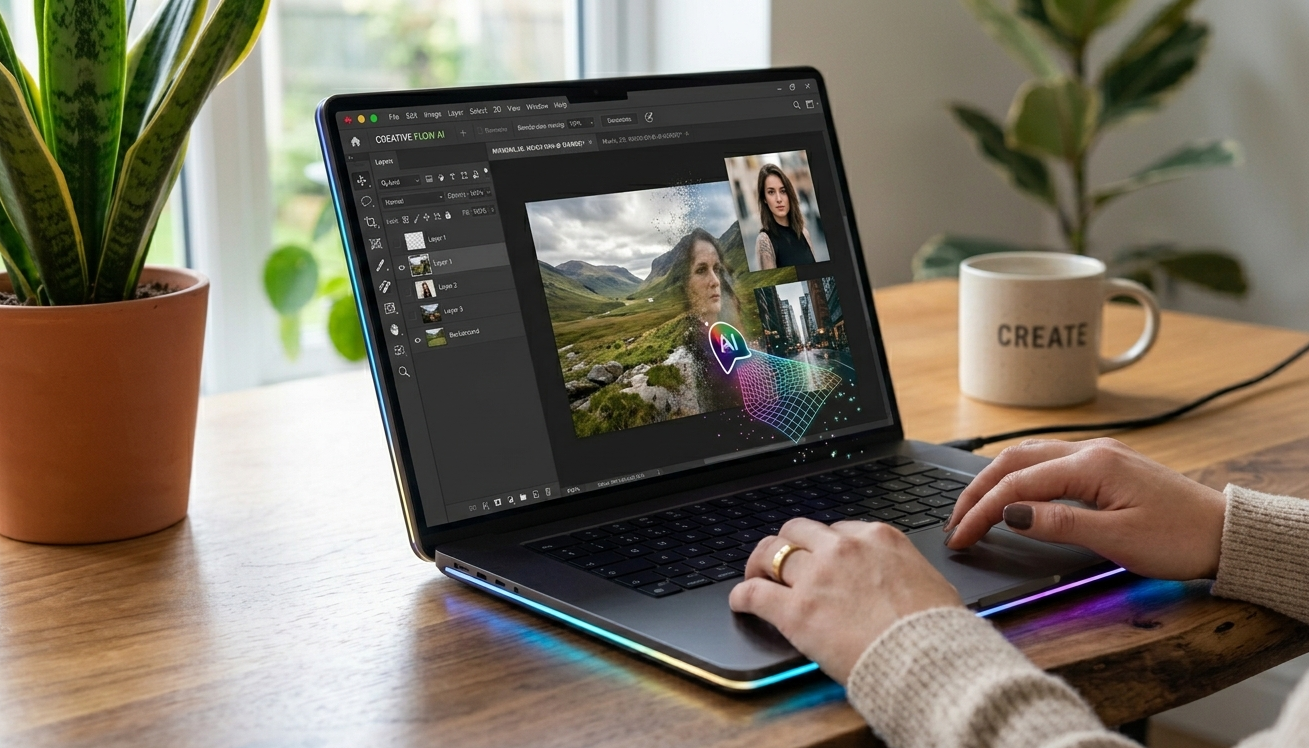
Wiggling the cursor instantly activates an omnipresent AI mode. In practice, a user can select a cluster of disparate images with the cursor, and the system will automatically fuse them into a cohesive graphic asset on the spot. To visually signify these background computational processes, every Google Book hardware model regardless of the specific manufacturing partner will feature a distinctive, multi-colored integrated light strip.
The hardware borrows several architectural advantages from Android 17, including custom widget creation and seamless cross-device mobile integration. The Google Book can access and launch applications directly from a nearby Android phone without needing to handle the mobile device. Most impressively, the laptop treats the connected Android phone’s storage as a native internal directory. File transfers are executed by simply opening a folder and dragging the file directly across directories, removing the traditional friction of mobile-to-PC data sharing.
Direct, Consumer-First Takeaways
Google’s latest presentation highlights a clear, deliberate path forward: the tech giant is heavily invested in using artificial intelligence to systematically eliminate everyday digital friction and repetitive administrative tasks. While the staggered rollout schedules and elite hardware requirements mean many consumers won’t see these features immediately, the foundational upgrades to Android 17, Android Auto, and the ecosystem’s integration represent a massive leap in consumer tech utility. If Google can deliver premium build quality and refined trackpads on the upcoming Google Book line, the sheer cohesion of this ecosystem presents a genuinely compelling reason for users to consider a complete transition over to Google’s hardware environment.
Which of these newly announced ecosystem features are you most eager to test on your daily devices?
Read More: I Tested $10,000 of the Internet’s Cursed Tech (And It Ended in an Electrical Shock)