iOS 26 Features: Everything New in Apple’s Huge Visual Redesign
Apple has just wrapped up WWDC. They’ve announced their next generation software that’s going to power all of their devices coming September, and it’s a little bit different this time. Instead of the iOS 19, tvOS 19, macOS 16, watchOS 12, and visionOS 3 that you would expect, everything is just now 26, with a complete visual overhaul too.
Each software is now more aligned with each other and is all inspired by glass and transparency. But here’s the thing: Apple is not in a great place right now. Last year was all about Apple Intelligence; they overpromised and they underdelivered. The year before was Vision Pro, which did not create the change I think they thought it would. iOS 18 was like the buggiest Apple software I’ve ever used. Siri is falling further and further behind as an assistant, and developers just seem to be increasingly frustrated working with Apple. So, is this new software actually fixing Apple’s issues, or is it just a shiny coat of paint to try and cover them up?
iOS 26: The “Liquid Glass” Redesign
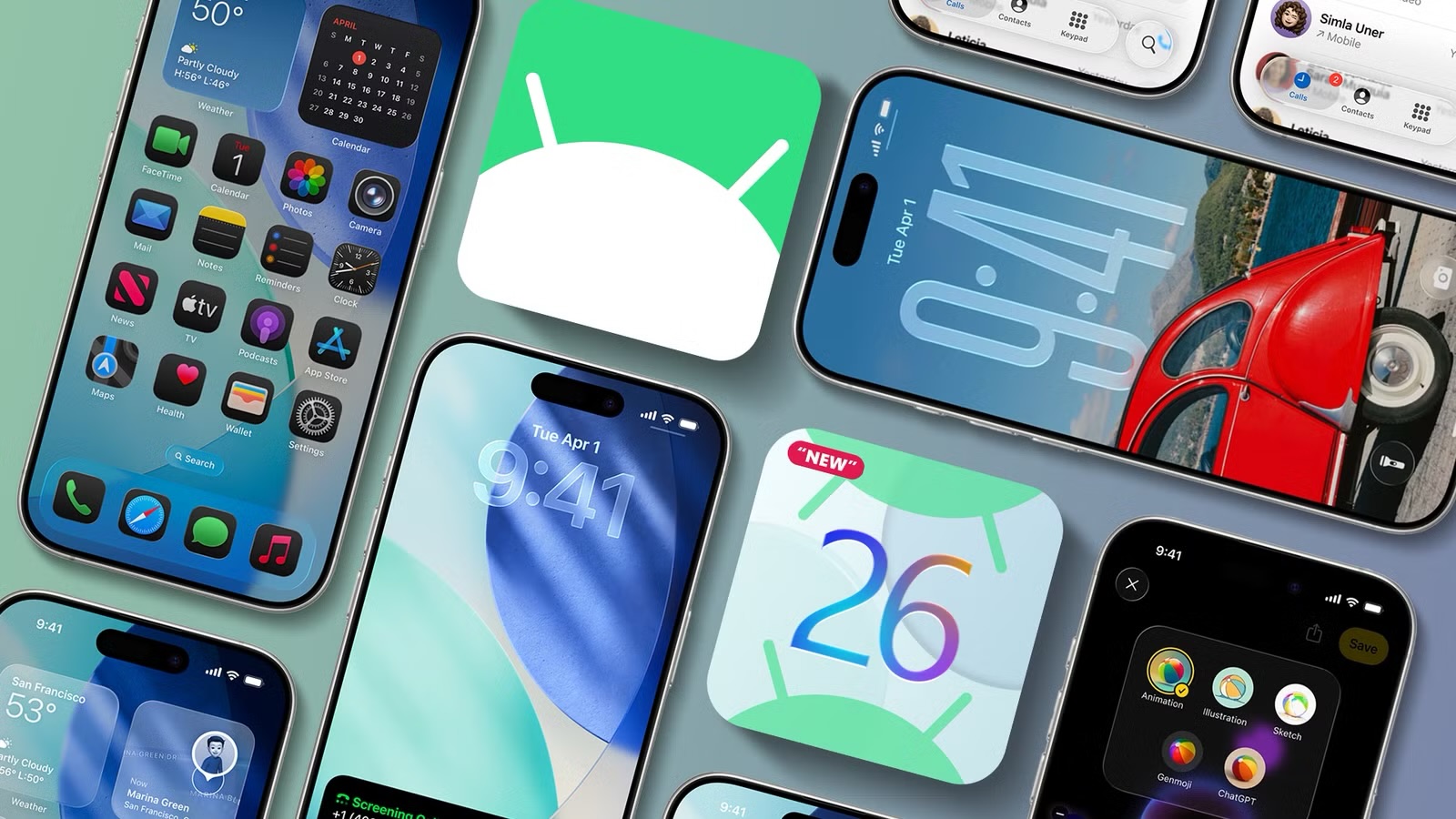
The first software discussed is the new iOS 26. Apple talked about how this is the biggest redesign since iOS 7 back in the day. I was amping myself up for a completely new look, and then they revealed it, and it was not that big of a change. Now, I don’t think that’s a bad thing. I think this liquid glass material that they’ve introduced is really cool to look at; it looks futuristic.
Seeing it across the camera app and Safari—the way that the tab bar is now more dynamic and kind of disappears into this small bubble—is pretty clearly the more immersive experience compared to what we have now. You can tell that Apple has really tried to not make this just look flat like iOS 7. There’s a lot of subtle lighting effects on this glass to make it feel three-dimensional, I assume because they’re really trying to prime people for a future that is all about spatial computing like the Vision Pro.
The thing is, though, glass can be problematic. You don’t want it everywhere. There were a couple of instances at the event where you can start to see how things might be a little bit less clear. Ironically, I feel like these new all-clear icons are a pretty good example of that. They are cool, but they just feel like a recipe for intense squinting. It’s actually really weird; this whole transparency thing is probably the first time that Apple has moved design language in a way that it doesn’t feel like others will follow. We’ve actually just seen a whole load of companies go in the complete opposite direction.
Interface Tweaks and Practical Features
For an event that’s designed to help developers, this will probably end up with quite a few of them pulling their hair out trying to figure out how on earth to redesign their app for a second time just to fit Apple’s new design language. Now, there are positives. For the camera app, they’ve boiled it right back down to the basics again. The same features are still there; they’re just hidden now. Maybe it is a bit less intuitive for someone who’s never used an iPhone before, but I am a big fan. This is very refreshing after years of creeping clutter.
The lock screen now has this more dynamic glass-like unlock animation. The time will now fluidly adapt to your wallpaper to try and nestle into your scene, and there is animated lock screen music art. I’m very happy to see that they’ve used this new look as a chance to slightly fix the mess that they created with the photos app in iOS 18, but then you look at the new control center compared to the old one, and it just feels like they’ve moved that mess to other places.
Thankfully, iOS 26 is not just “here’s a new design, see you later.” There are some healthy updates to the phone app. There’s a more unified layout which brings together your favorites, your recents, and your voicemails. There’s the ability for your phone to screen calls before unknown numbers can get to you. Finally!
But this one’s actually really sick: Hold Assist. This means when someone puts you on hold, your iPhone can keep your spot in line, and then it’s only when you reach the front of the queue that your phone will ring you as you get through to a person. It’s as if that person was calling you. This means much less time nervously hanging around your phone as you try to go about your day.
Communication and Media Updates
Messages now have customizable backgrounds which appear for everyone in the conversation. You’ve got polls in group chats, and also typing indicators for group chats. The big new one, though, is live translation. This is integrated into Messages, FaceTime, and phone calls and can all happen on your device without needing any internet at all.
In concept, it is amazing being able to talk to your Italian grandma and understand what she’s saying. However, having seen what this looks like already on other phones, chances are that the first-gen iteration is going to be pretty clunky. Your phone can also use that same tech in Apple Music to translate lyrics, so you can actually understand the next Blackpink album, and then give you pronunciation for if you just don’t care what it means but you want to sing along.
Gaming Hub and Visual Intelligence
Apple announced a new app for games. This is meant to be your gaming hub—a place for recommendations of new games you can play, a place to challenge your friends to little competitions, and to launch games from. There is also an update to visual intelligence which now lets you search within what’s on your screen, not just what your camera can see.
It was just strange to see this in 2025 when all the stuff that Apple is showing feels like things that we’ve seen years ago. This stuff was actually giving me major déjà vu from Google events I’ve watched a long time ago. Overall, for iOS 26, it deserves a solid but unspectacular 5 out of 10, made slightly better by all the little features buried in the small print, like the ability to select partial text within a bubble, customize the snooze alarm, or a hint to clean your lens if it’s dirty.
The New Naming Convention: Version 26
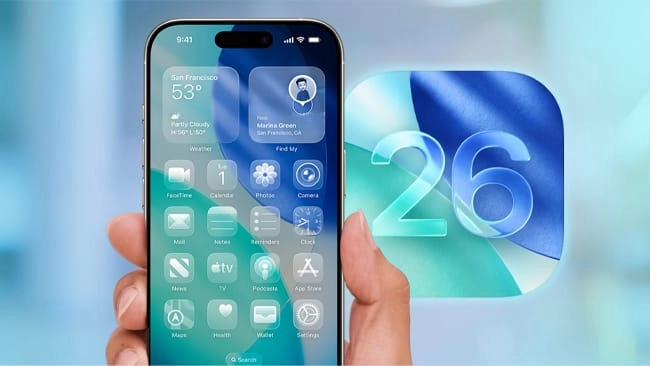
The other side to this new software equation is the new naming—how every single software is now just 26. Ultimately, I think it’s a good thing. It is a little confusing that they’re calling the software that is technically releasing in 2025 the “26” version, but you can kind of see why. If they called it 25, then by the time it gets to January 2026, you’d feel like you’re using outdated software.
Read More:Top 15 Tools I Would Buy Again: Professional Essentials Worth the Investment
The most important thing is that this allows the average user to actually be able to keep track of whether they’re on the latest or not, with the side benefit of potentially taking a little bit of the pressure off Apple with each release needing to feel like some sort of big drop.
Apple Intelligence and Developer Integration
It feels like Apple Intelligence has got a little broader, but it hasn’t got deeper. Aside from a few new languages, the Apple Intelligence model itself hasn’t become more intelligent. There is a silver lining in that Apple is now going to open Apple Intelligence up to developers. They’re basically giving out the keys to build apps that can use this AI even offline.
Apple needs this to try to encourage developers to carry on making really curated apps that are specifically designed around the iPhone. The not-so-great news is that how useful this is strongly relies on how powerful Apple’s offline AI model actually is, which, based on our experiences in iOS 18, is not looking the most promising. If you compare the intelligence of Apple Intelligence versus direct competitors like Galaxy AI or ChatGPT, it’s not there.
Apple was vocal about how they’re not yet ready to talk about any improvements to Siri and the actual intelligence model itself. You really got the feeling that AI is the first time that Apple has really hit a wall. They’re having to lean heavily on ChatGPT in all the areas that their own AI just doesn’t cut it. Apple Intelligence score: 3 out of 10.
watchOS 26 and Workout Buddy
The main change of note for watchOS is just the design. I did find the new features particularly underwhelming. The watch can now use Apple Intelligence to live translate messages and improve the intelligence of its smart stack recommendations, but given the watch itself doesn’t have Apple Intelligence, it’s going to be powered by your phone.
There’s a new wrist flick gesture you can use to navigate, and then the only other thing was Workout Buddy, which gathers all the data from your existing workout history and uses Apple Intelligence from your iPhone to turn it into a dynamic, energetic voice to inspire you. Hard pass. I was cringing physically during this ad. It’s one of the strangest features that I think absolutely zero people asked for. watchOS score: 4 out of 10.
tvOS and macOS Innovations
tvOS 26 was better. This is where the new glass design language really shines. Plus, the thing that no one expected: karaoke. You use your iPhone as the microphone and Apple TV becomes the lyrics. It’s a brilliant use of hardware and software. tvOS score: 6 out of 10.
macOS 26 is the one that surprised me the most. It’s got the liquid glass design language, which reminds me a little bit of Windows Aero from back in the day, but just more tastefully done. There’s quite a bit more customization too, like being able to change the color of your folders.
The key new things for me are continuity—where you can order food on your phone and then keep tabs on it while you’re on your Mac—and Spotlight. Spotlight is changing to try and make it the place to do stuff fast, not just find it. For example, being able to access a tool that removes the background of an image without needing to open a new app. Overall, macOS score: 7 out of 10.
visionOS 26
visionOS has gone from 1.0 to 2.0 to 26. I’d call this a small but important upgrade. You’ve got new widgets that are more “depthy” than before, and they stay put exactly where you’ve placed them even if you reboot the headset. It also has improved tech to better transform your flat 2D images into depthy 3D ones, and you can use that same tech in Safari for spatial browsing.
There’s a dramatic transformation to Personas—the image of you that the Vision Pro can create when you’re on a call. It is eerily good-looking. These are all good features, but it feels like they’re leaning more into enterprise. visionOS score: 6 out of 10.
iPadOS 26: The Mic Drop Moment
iPadOS 26 really felt like the mic drop moment. Today felt like Apple just ripped that band-aid off entirely regarding making the iPad more like a Mac.
You can now grab windows from the corner to fluidly resize them, and those windows become basically macOS windows that can stay open and when minimized will just reopen in the same positions. You can snap them into the various corners of the screen. The pointer is now more precise, and demanding tasks like video exports can now happen in the background while you do other things. There’s a menu bar on iPad just like a Mac, all topped off with a revamped system for handling files.
These were all the key areas of complaint with old iPads, and Apple is addressing all of them. For video, when you’re on a call, your iPad can now save the full-quality video file from your end of that call to the device. iPadOS score: 9 out of 10. Read this article to learn more about BMathz’s analysis.